Howdy, Stranger!
It looks like you're new here. If you want to get involved, click one of these buttons!
Categories
In this Discussion
Launch: LLMbench - a tool to undertake comparative annotated analysis of LLM output

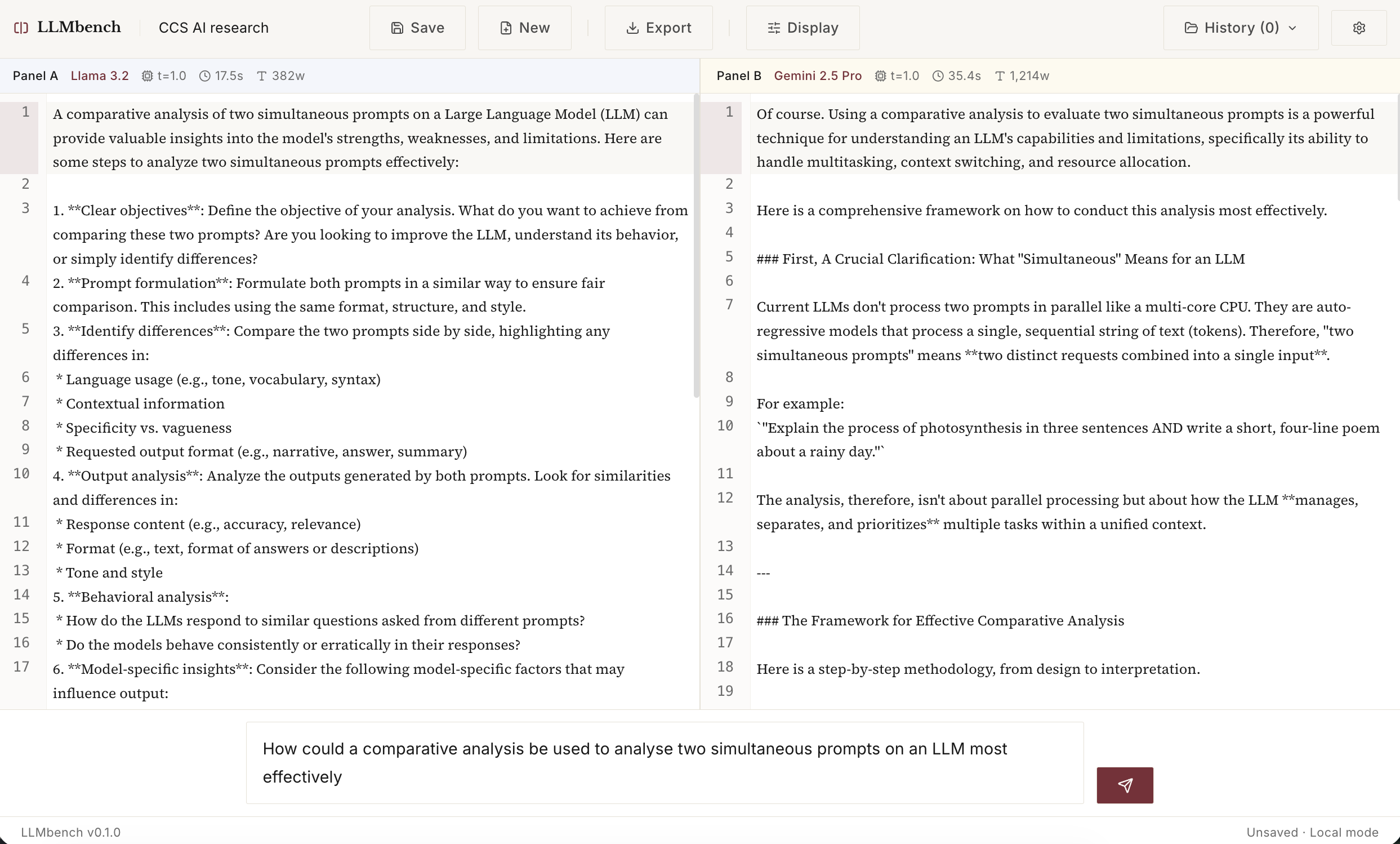
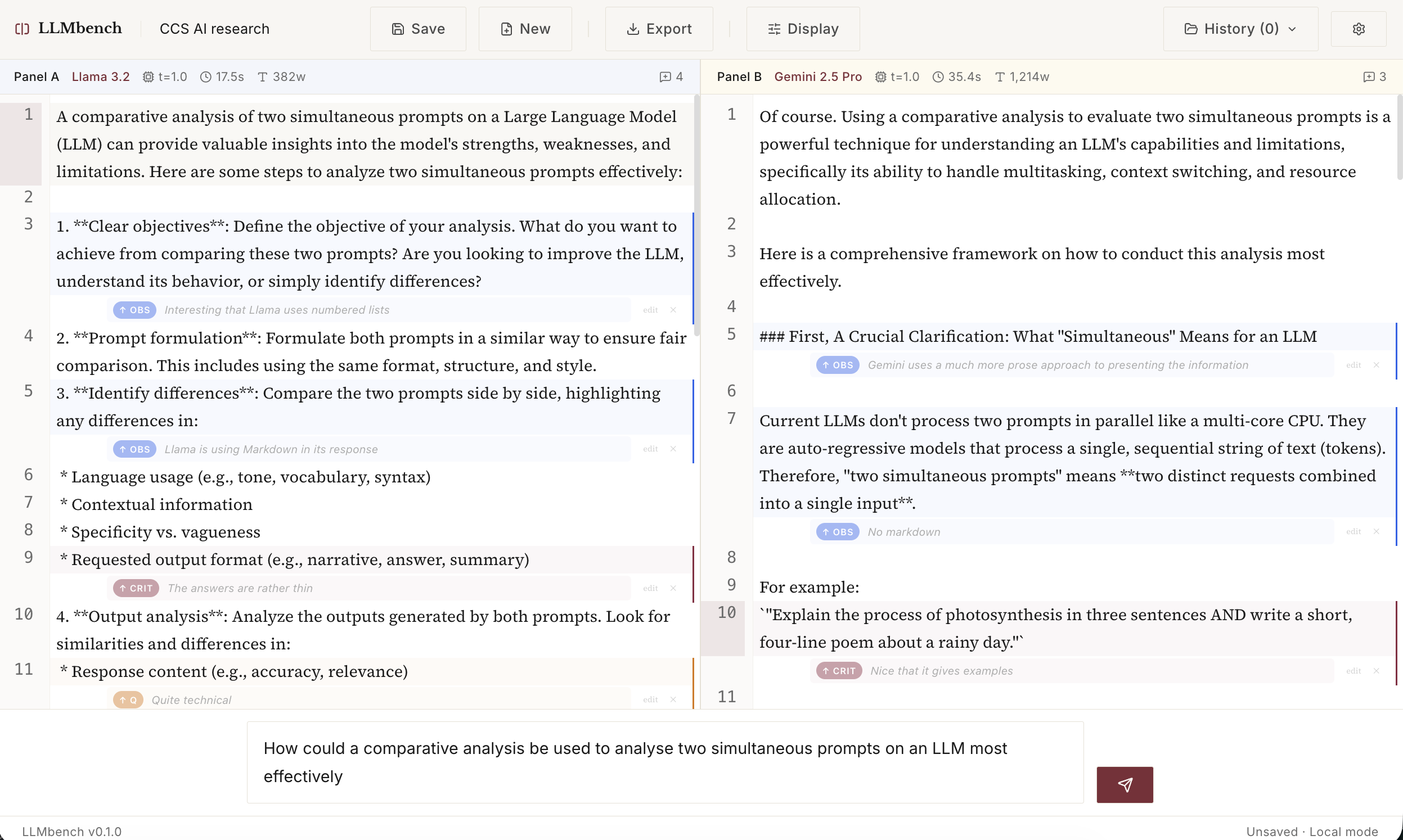
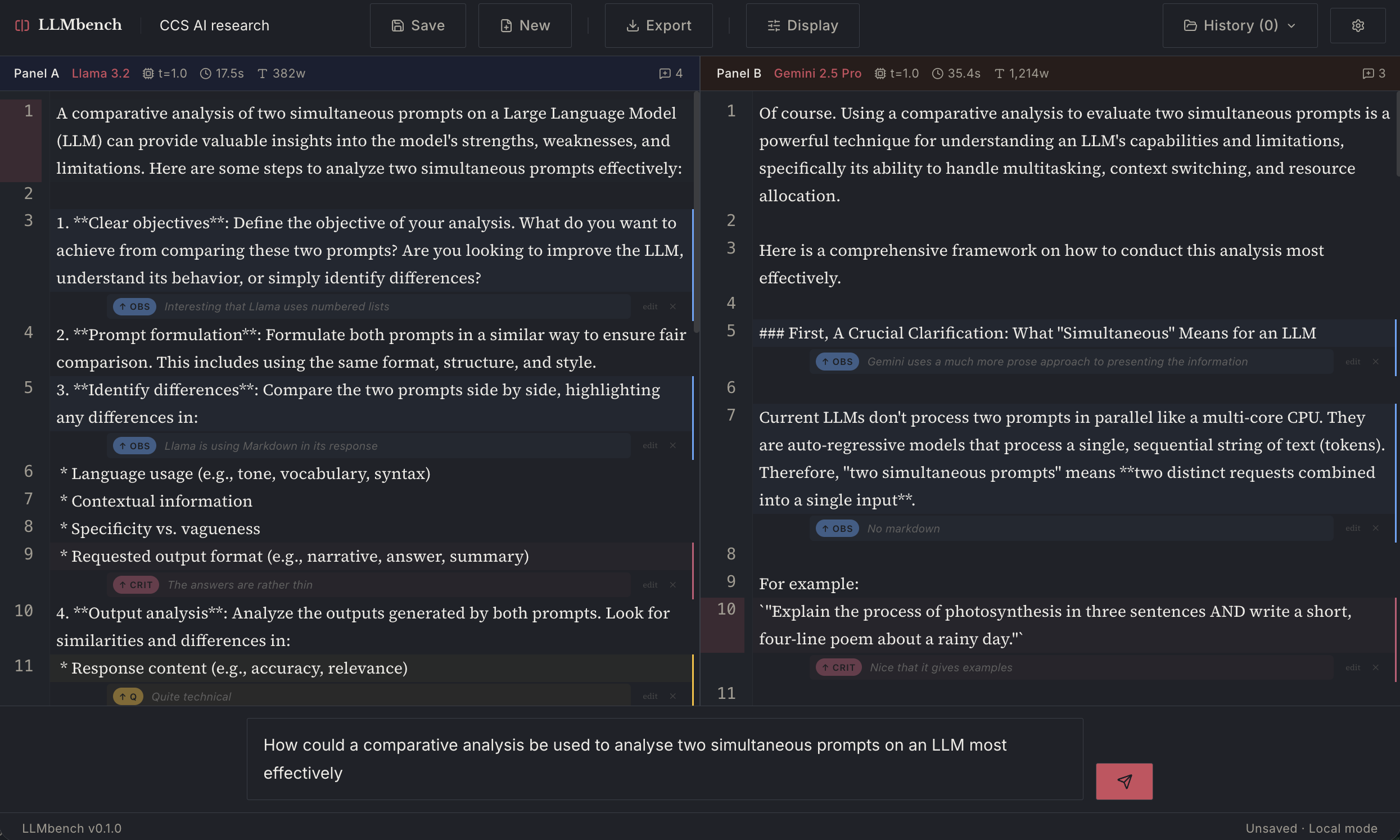
After the success of the CCS workbench, I have used the lessons learned from that tool to vibe code another new tool I call LLMbench. This new tool allows you to prompt two LLMs simultaneously with the same prompt and then use the reply to analyse it with annotations. These can then be exported to JSON/text or PDF for later use.
In the examples below you can see I have compared Llama 3.2 and Gemini 2.5 Pro, but you could also compare two models from the same family (e.g. Pro vs Flash or even the same LLM Pro vs Pro). See below.
Source code (fully open source, and built on open source software) is available here: https://github.com/dmberry/LLMbench
It's still in early development so I don't have a deployment to share, but you can install it yourself by following the instructions here.
UPDATE: It is now deployed and can be used from this address (currently only working with non-local LLM models): https://llm-bench-mu.vercel.app/
To connect up a free API model
Go to https://openrouter.ai and sign up for an account
Click Get an API key
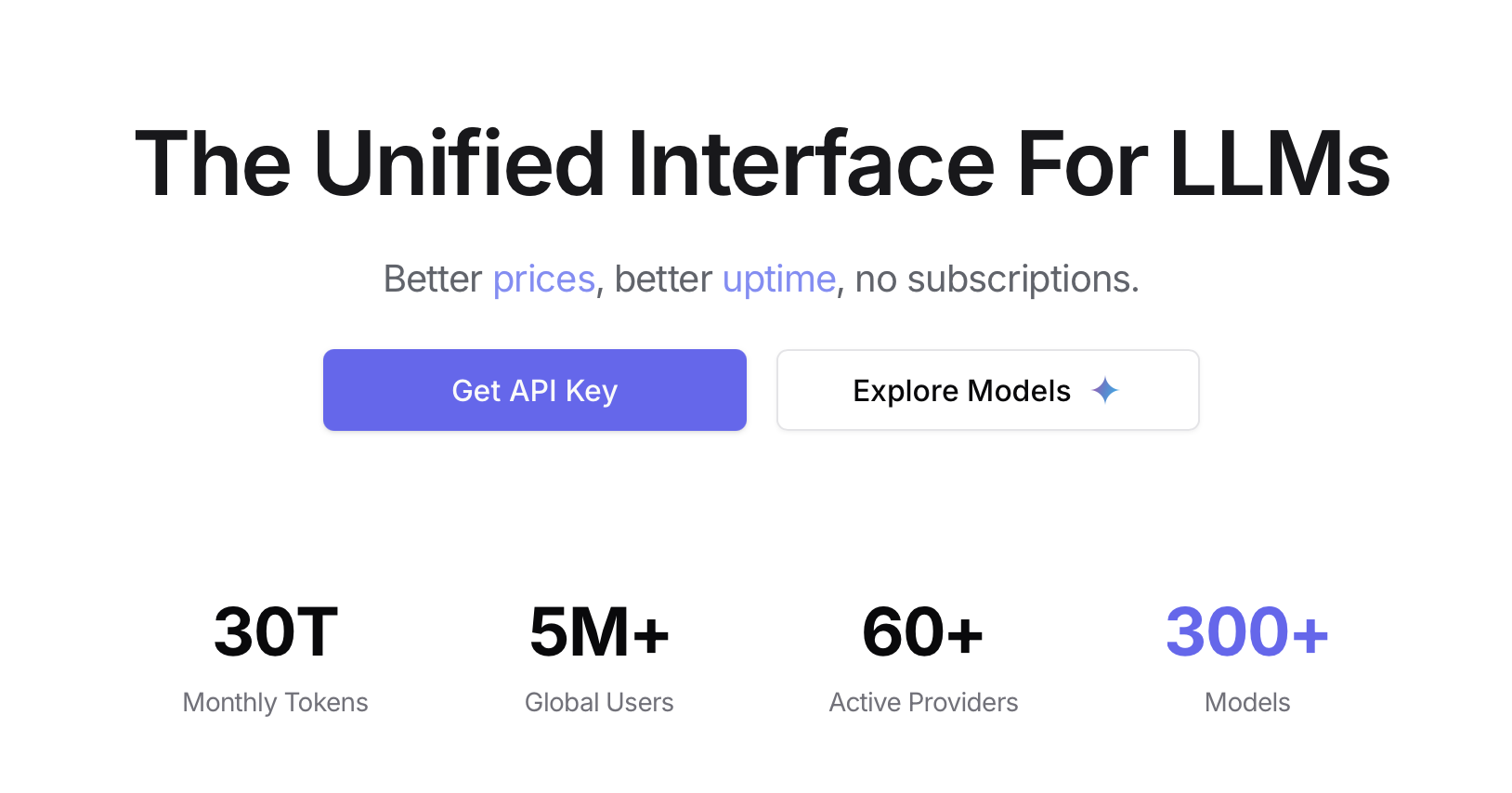
Write this API key down somewhere as you are going to need this later.
Then Explore Models
I use the model: "google/gemma-3n-e2b-it:free" (which is free) but there are many others to choose from.
In the LLMbench app
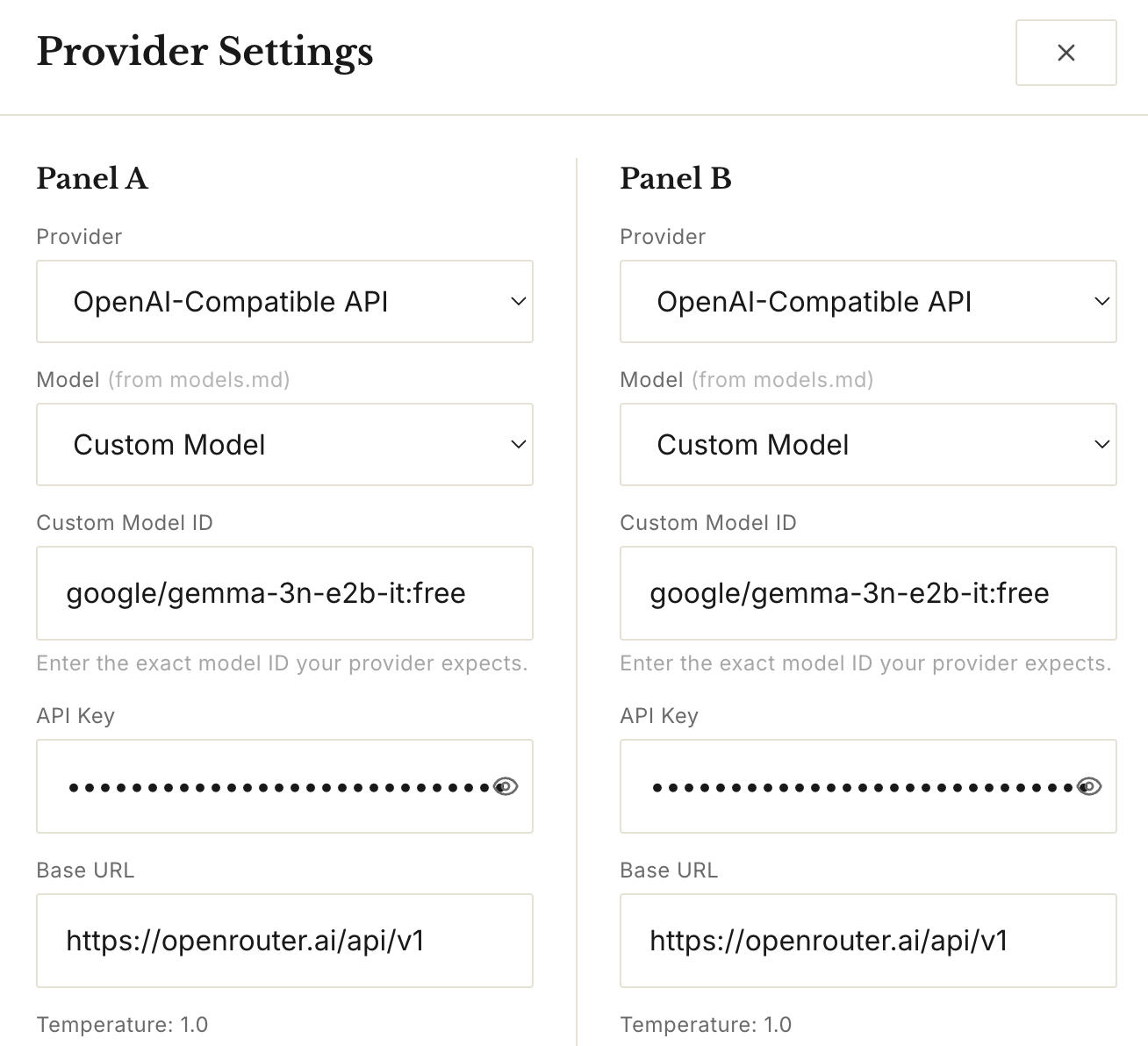
Now paste this information into the LLMbench settings window (click top right gear):
Provider: Open-AI-Compatible API (or choose the one you have if you pay for it)
Model: Custom Model
Custom Model ID: google/gemma-3n-e2b-it:free
API Key: your API key from above
Base URL: https://openrouter.ai/api/v1
Do this for both panels - as a test you can send to the same model. Later you can choose another free model from OpenRouter such as:
- nvidia/nemotron-nano-9b-v2:free
- openai/gpt-oss-20b:free
- google/gemma-3n-e2b-it:free
- deepseek/deepseek-r1-0528:free
- meta-llama/llama-3.3-70b-instruct:free (supports multilingual dialogue)
Then click X to close and it should work...
This is what it currently looks like (it already has a dark mode!).
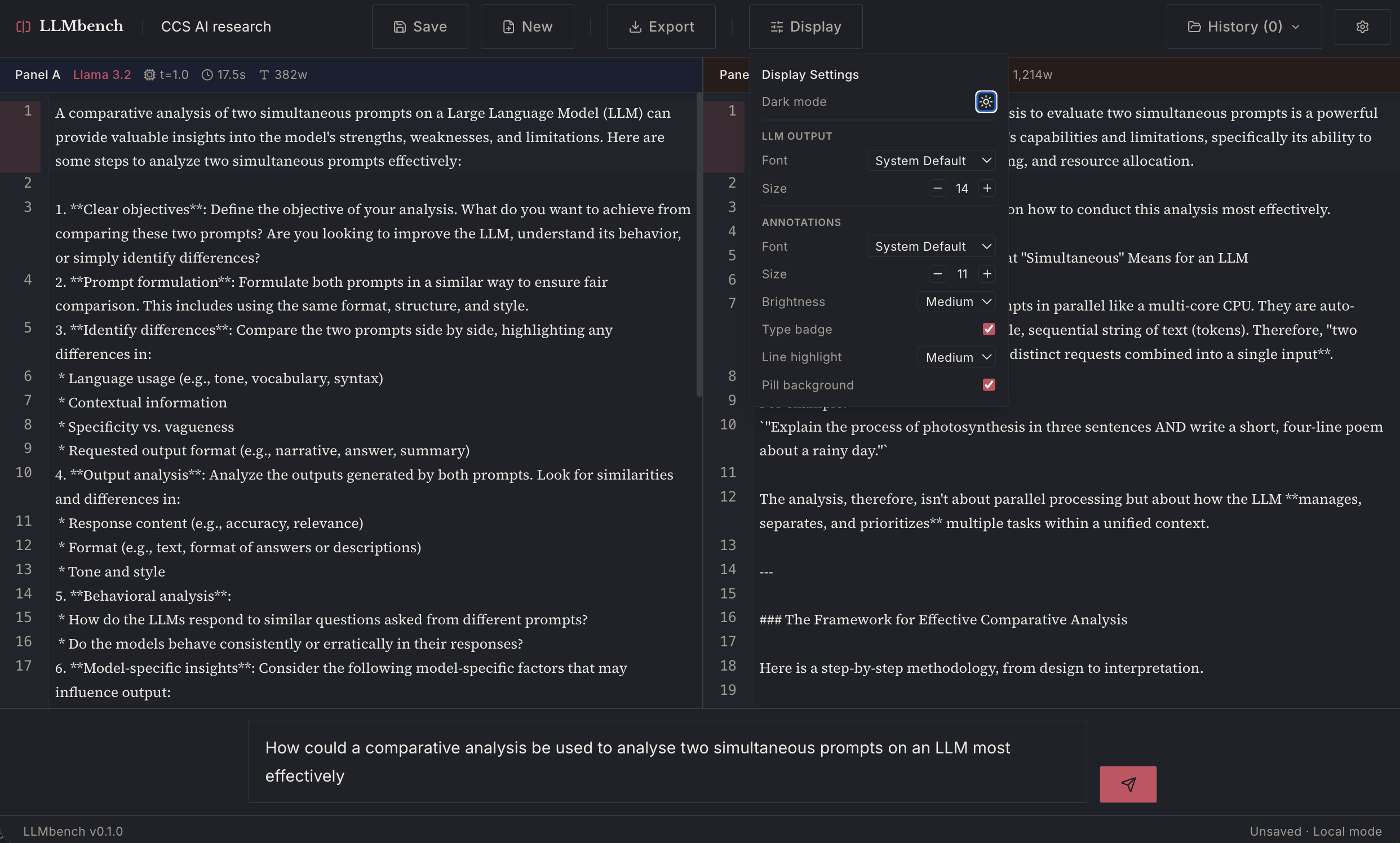
And here it is with annotation added:
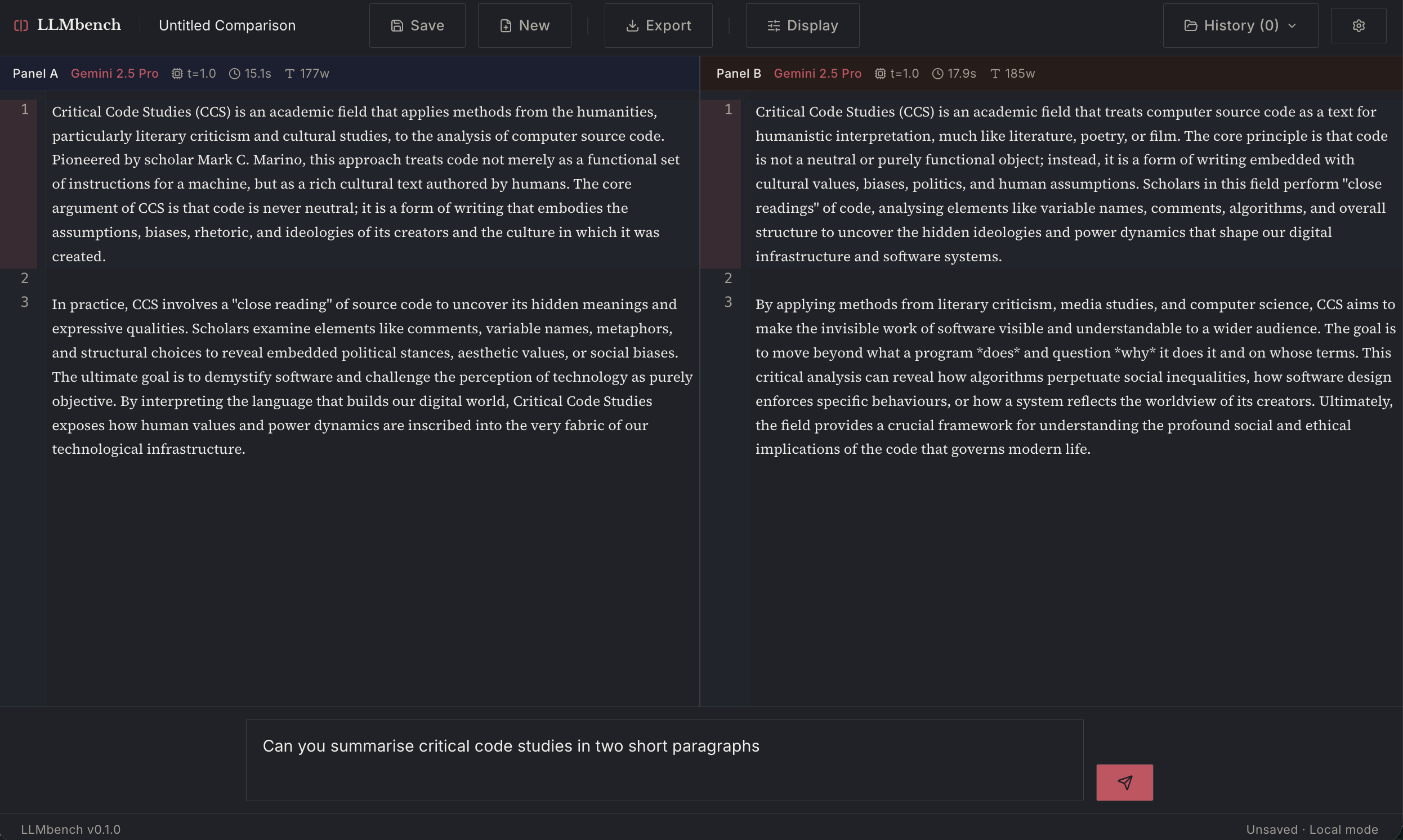
Here are some examples of the same Gemini model family. In the first (Pro vs Pro) you can see the effects of the probabilistic generation in the slightly different outputs from the same prompt given to two instantiations of the model simultaneously.
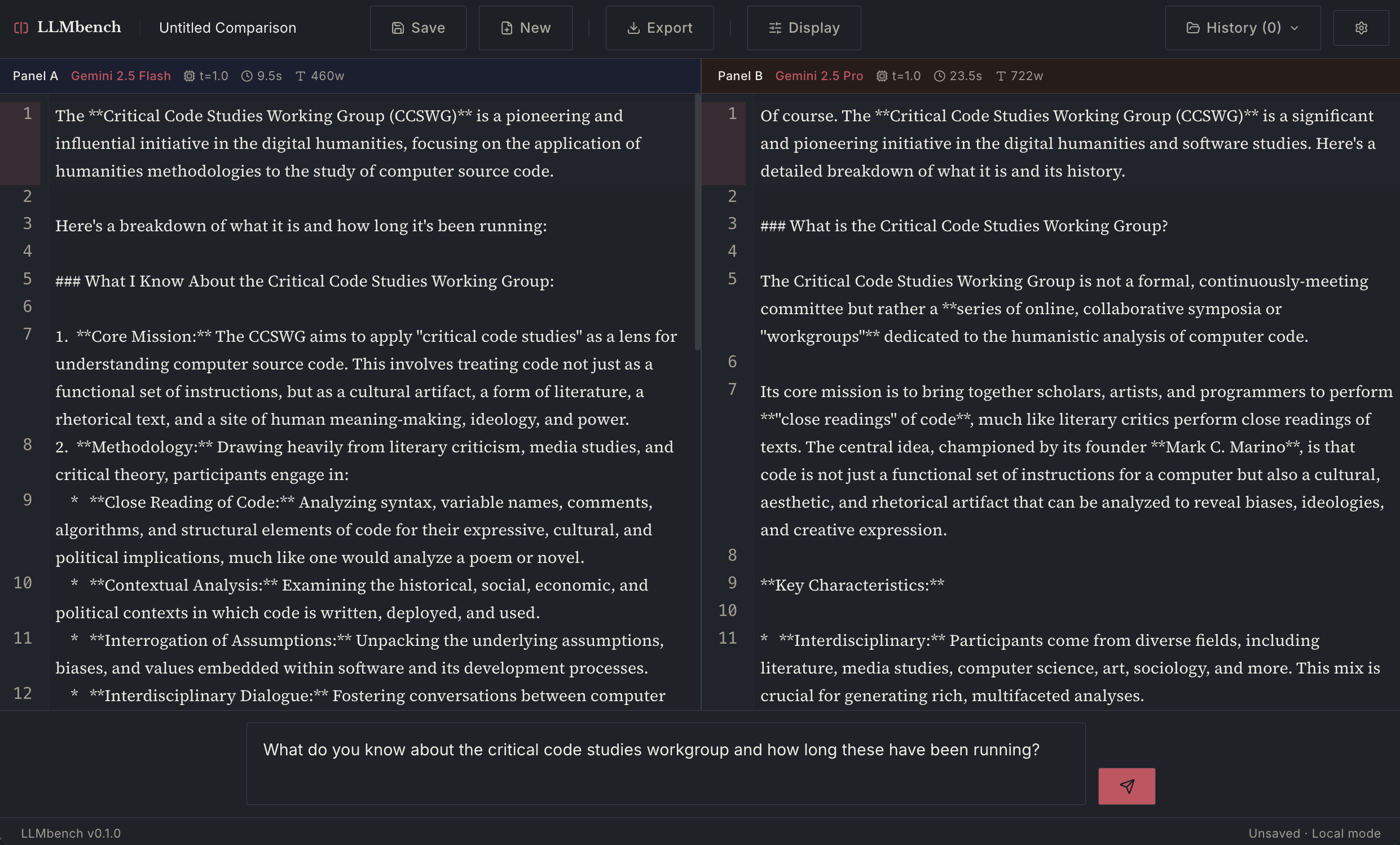
The one above is Gemini Flash vs Pro.
UPDATE: It is now deployed and can be used from this address (currently only working with non-local LLM models): https://llm-bench-mu.vercel.app/
Comments
Now with a "diff" function so you can compare the two LLMs outputs more closely
You can also export the diff comparison to a PDF file
To connect up a free API model
Go to https://openrouter.ai and sign up for an account
Click Get an API key
Write this API key down somewhere as you are going to need this later.
Then Explore Models
I use the model: "google/gemma-3n-e2b-it:free" (which is free) but there are many others to choose from.
In the LLMbench app
Now paste this information into the LLMbench settings window (click top right gear):
Provider: Open-AI-Compatible API (or choose the one you have if you pay for it)
Model: Custom Model
Custom Model ID: google/gemma-3n-e2b-it:free
API Key: your API key from above
Base URL: https://openrouter.ai/api/v1
Do this for both panels - as a test you can send to the same model. Later you can choose another free model from OpenRouter such as:
Then click X to close and it should work...